Available Options per Section
The section expert is a modal dialog that shows the report sections on the left-hand side of the panel and the available options per section on the right-hand side. If an option is not available for a certain section, it will show itself as disabled.
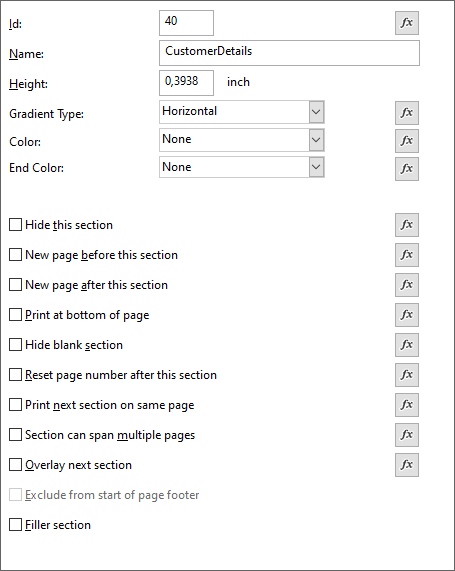
Options: - ID - Name - Height - Gradient type - Color & End Color - Hide this section - New page before this section - New page after this section - Print at bottom of page - Hide blank section - Reset page number after this section - Print next section on same page - Section can span multiple pages - Overlay next section - Exclude from start of page footer - Filler section