Field Explorer - Function Fields
This part of the field explorer contains the user-defined functions that can be used by other functions or can be inserted in the report layout. Next to user-defined functions, a report contains functions that can be used to control functionality, such as suppressing an object.
Creating a function field opens the function editor dialog.
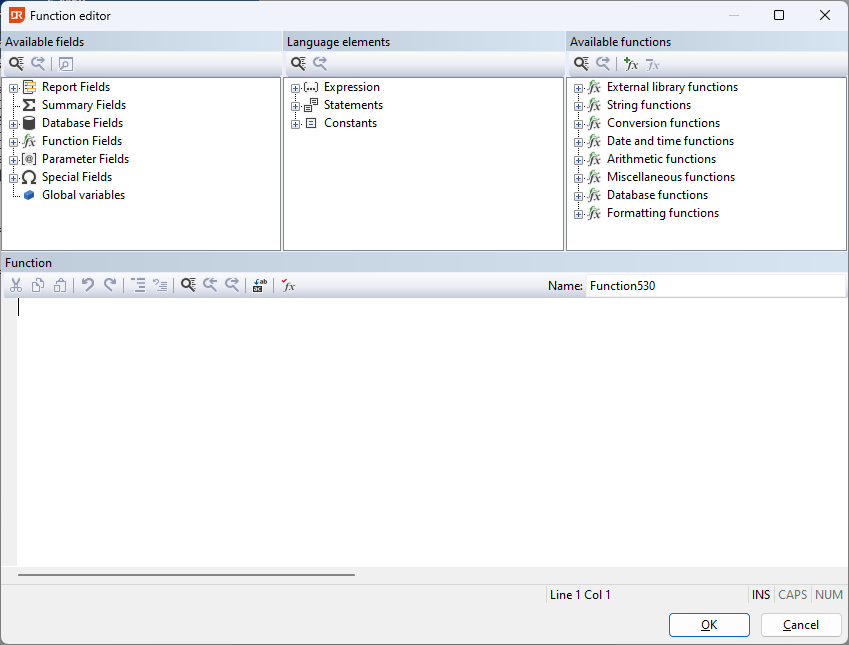
The name of the function, displayed on the right-hand side (here 'Function530'), can be freely changed and may contain spaces but must start with a letter, and the name must be unique.
The function body uses a VB-like syntax.