Order
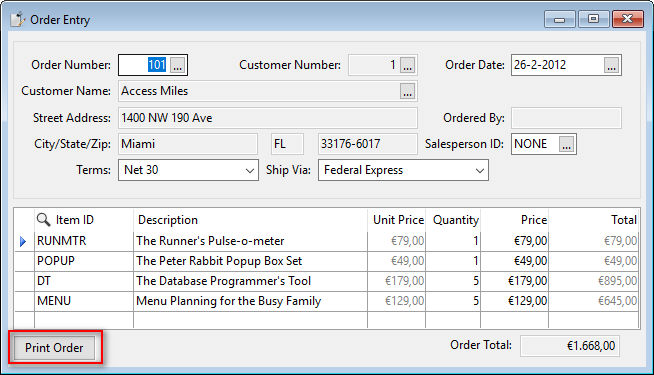
The order entry view contains a button labeled 'Print Order'. The button becomes active after an existing order has been found in the database. The print button sends a message to print the current order, and after verifying there is a current record, it sends RunReport to a cDRReport object. The report object retrieves the current order number from the local (DDO) record buffer and creates a filter in the report to display only the current order in the preview, print, or export. The report utilizes the codemast.dll with the CodeDescription ELF function. To find the correct codemast datafile, the SetParameters method attempts to locate it and assigns the value to a report parameter.