Adding a Chart
A new chart can be added by right-clicking on an empty part of the design, and then clicking on the 'Chart Object' option in the Insert menu.
Drag a box with the mouse, and then the Chart wizard will appear.
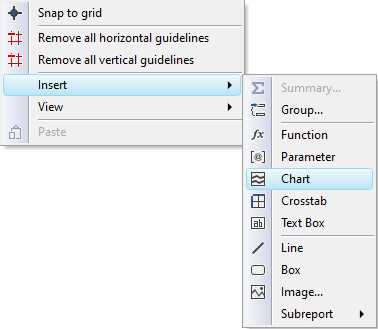
Alternatively, you can click on the chart icon in the toolbar or select the Insert Chart option from the main Insert menu.
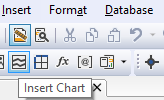
Then drag a box with the mouse, and the Chart wizard will appear.