Changing the datasource of a chart
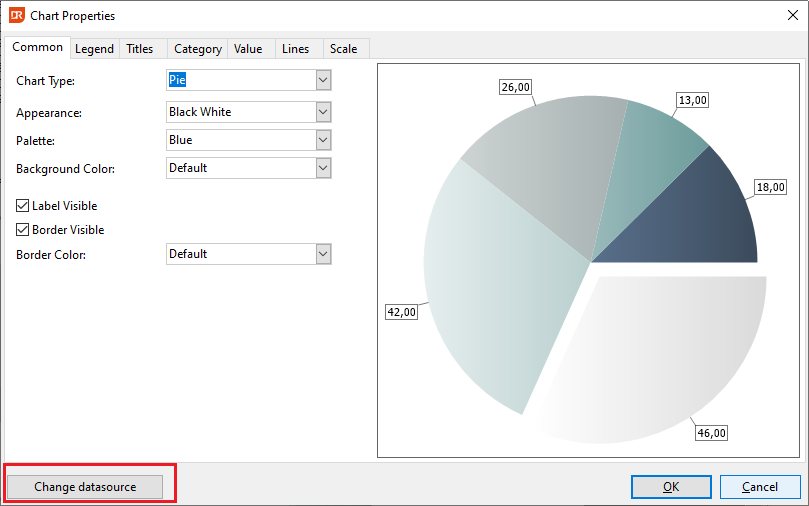
If you want to change the data of the chart, you can click on the button Change datasource after double-clicking on the chart to open the Chart Properties dialog.
The chart wizard will be (re)opened, where you can change the datasource in the second step of the wizard.