How to get the rotated text for a crosstab column header fit in the cell
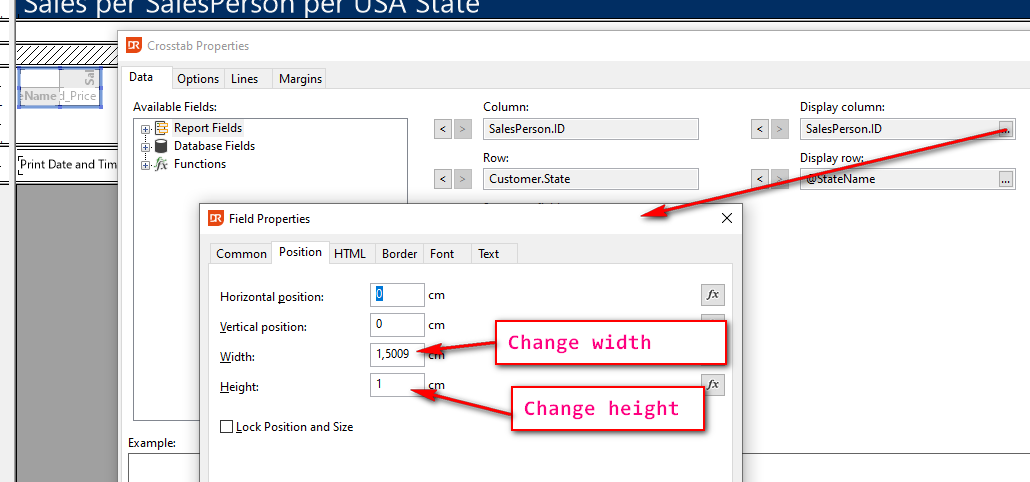
The text in a column header cell for a crosstab object can be changed via the field properties of the column, but how can I make the column less wide and give it more height?
After rotating, the header looks like:

And how do I get the column cell higher?
This can be done by setting the height and width in the position tab-page:
This results in:
