DrillDownCustomerList¶
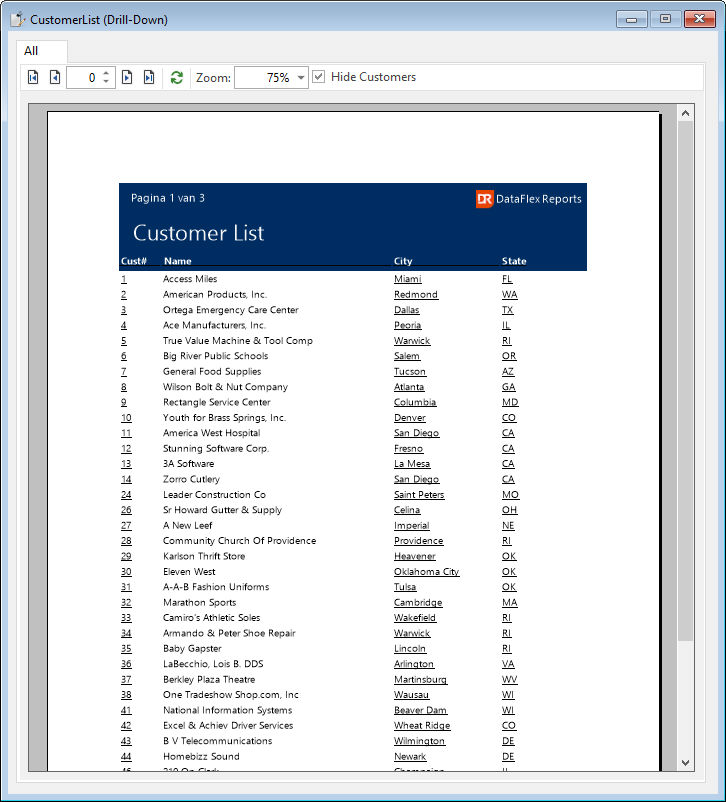
The report view utilizes a tab dialog with dynamic tab-page creation and deletion for displaying report results. The results are shown directly by the cDRReport object, also known as embedded preview. This report demonstrates the use of the OnReportPreviewClick event. Clicking on a customer number opens a new tab-page displaying the results of a report named “Customer Orders.dr,†filtered by the selected customer number. Similarly, clicking on a customer city or state opens a new tab using the same report definition file (customer list.dr), but filtered by the selected city or state. Additionally, the user interface option labeled “hide customers†allows the report preview in the “All†tab-page to hide customers without orders, which is useful to prevent drilling down into orders for customers that do not have any.