Error 4398 (Unable to instantiate COM object)
When a DataFlex application cannot instantiate a COM object, this error will be given.
In an application that uses DataFlex Report integration, you may encounter an error similar to:
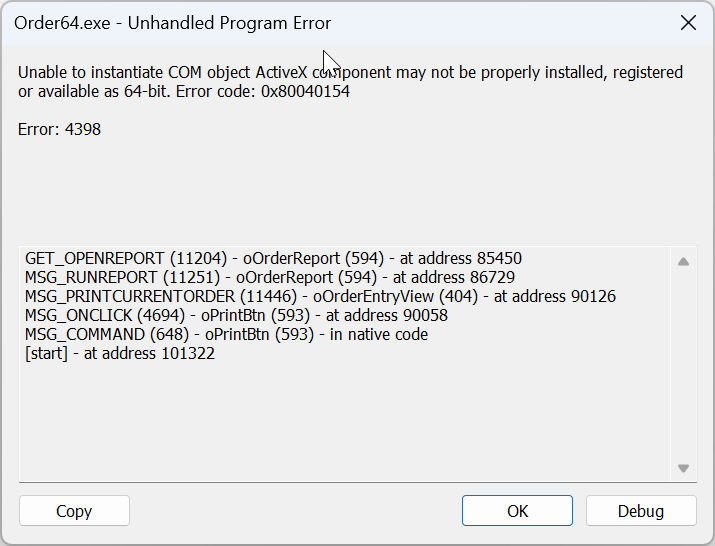
In a web application, you will find the error information in the Windows event log, which looks like this:
Application:
 <appName>
Session:
 N/A
From:
 N/A
Session
 failed to initialize: Fatal error occurred during child process initialization:
 Unable to instantiate COM object ActiveX component may not be properly
 installed, registered or available as 64-bit. Error code: 0x80040154
DataFlex
 Error#: 4398 in line: 54133.
MSG_BASICERRORREPORT
 (5372) - oErrorHandler (5) - at address 13916
MSG_HANDLEERROR
 (4990) - oErrorHandler (5) - at address 13971
MSG_ERROR_REPORT
 (433) - oErrorHandler (5) - at address 9758
[start]
 - at address 54133
To resolve this error, check if the DataFlex Reports Developer Edition API64.ocx is present on the system in the path mentioned in the registry. Additionally, verify whether the OCX is registered in both the 32-bit and 64-bit registry branches.