Name
This section expert option can be used to assign a different name to a section. While it can be used for any section, it is designed to be used for sections that are divided into multiple sub-sections (e.g., "Page Footer A" and "Page Footer B" or when the details section is divided into 10 sub-sections).
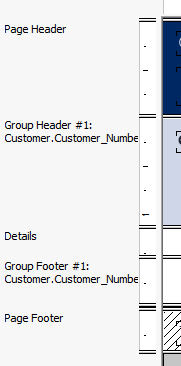
The following screenshot shows how the section names look before changing:
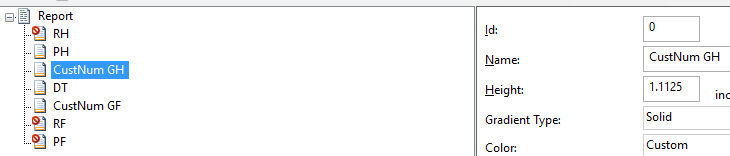
The next screenshot shows the section expert while changing the section names:
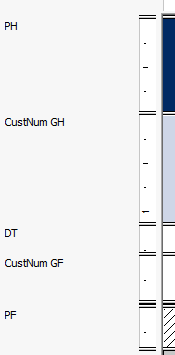
And in the last screenshot, the result of renaming the sections is shown: