Unlock a Report
A report can be locked against:
- Self-chosen password
- DataFlex Reports Serial Number
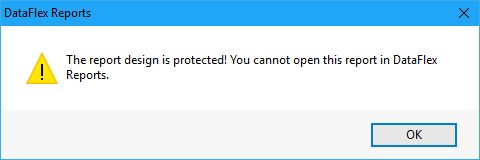
Attempting to open a report with a locked report design shows the following dialog:
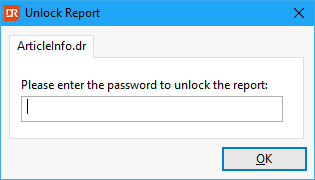
The name of the report is shown in the tab label (here ArticleInfo.dr), and the password must be entered. The password can be either the self-chosen password or the serial number used when locking the report.
Entering an invalid or no password results in the following error: