Preview & Store the report definition
The screenshot below shows the preview of the report that was made using the wizard.
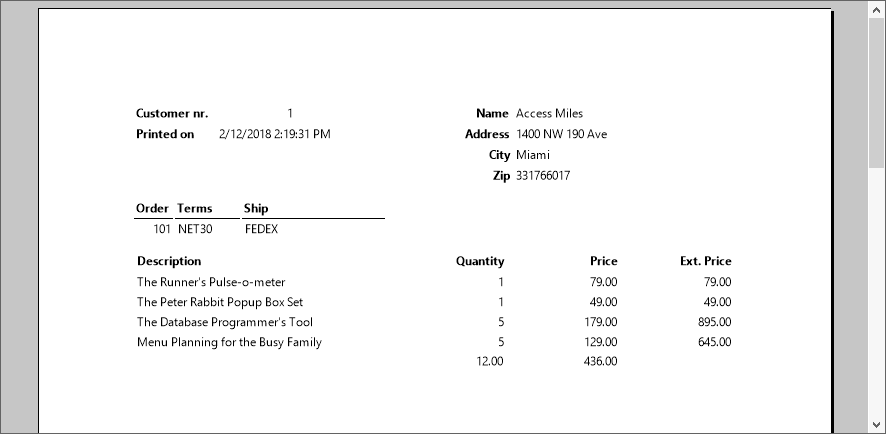
Save the report by choosing 'Save' from the File menu, and enter a logical name so that you can find the report again later. For example, "orders with details.dr".
The report can be stored anywhere on disk as the data-source location is stored in the report. The reports folder in a DataFlex workspace (e.g., c:\DataFlex Examples\Order Entry\Reports) is the preferred location for report files. The integration wizard used to integrate reports in a DataFlex application will first look in that folder.