Filter Function Usage
When the report contains a filter function, the next page in the wizard shows the contents of the filter function and lets you decide whether to keep this filter or not.
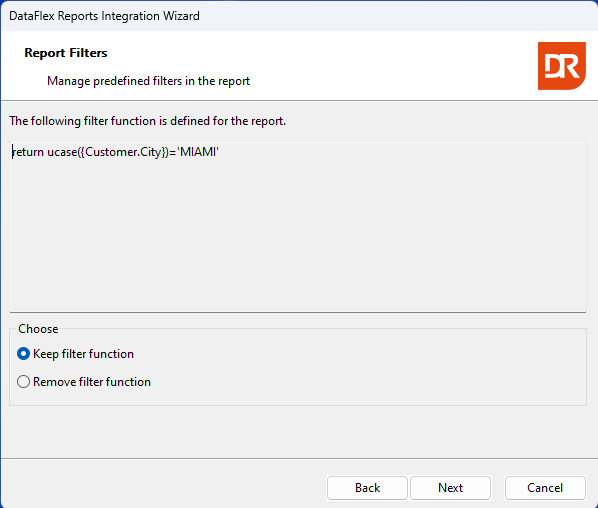
The displayed screenshot above illustrates that only rows where the column "customer.city" (in uppercase format) equals 'MIAMI' are selected.
By utilizing the radio button, you can choose to either retain or remove this functionality at the integration level.
The subsequent step pertains to the utilization of parameters when the report includes them. When the report does not include these, the next step is sort order.