Parameter Fields
This wizard page only appears if the report contains parameters; a page will be shown with the parameters.
Report parameters can be used as a simple way to suppress or set a value in the report, but they can also be used to pass on to an SQL stored procedure for selection.
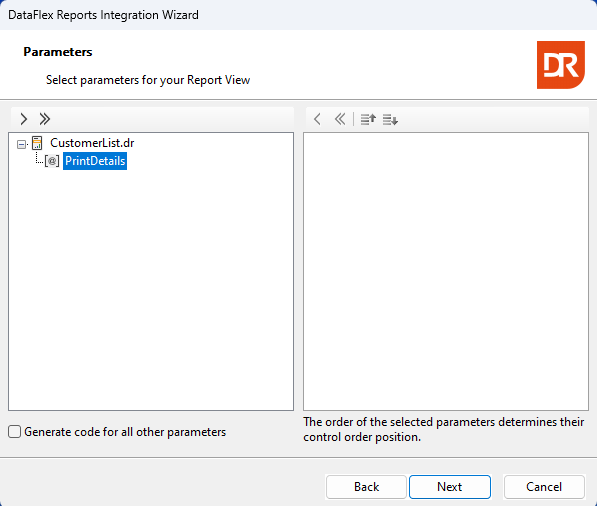
One or more parameters can be selected for the creation of an input control.
A checkbox below the list of parameters allows you to request the wizard to generate source code for the parameters that were not selected. Through this source code, these parameters can be assigned a value. The reference further in this guide addresses parameter usage. An input control based on the data type will be generated for each of the selected and/or parameter fields.
The next step is based on the use of selection fields and parameters and assists in designing labels and alignment for the input controls.