Sort Order
In this wizard page, you can set the sort order of the data displayed in the details section of the report.
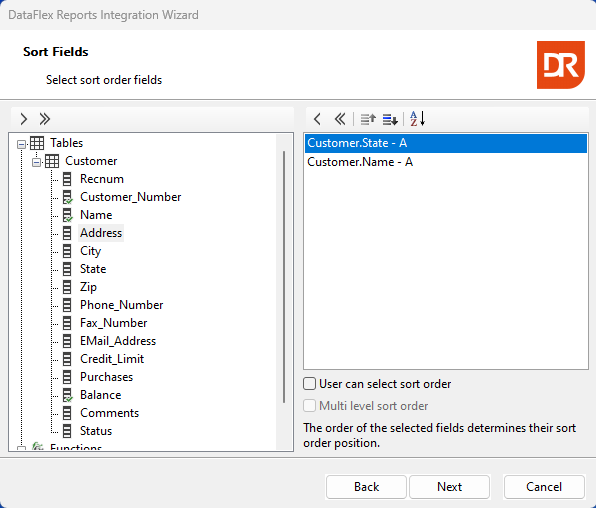
The wizard displays the record sort order defined in the report, if any. By right-clicking, you can select the sort direction (ascending or descending) for each column. The floating menu also allows for changing the sort order.
Below the selected sort columns list, checkboxes indicate whether code needs to be written to allow the user to change the sort order, and whether this is a single sort order or a multi-column sort order.
The next step depends on the presence of user-defined functions. If such functions exist, a page will appear listing them; if not, the next step involves defining the preview style.