CSS tab-page added to report options
What is new - 24.0
The report options dialog has been extended with a new tab-page in which an editor can be found to enter a global CSS for all objects that use HTML formatting. This option makes it easier to use data from a column in a database without the need for a function to combine CSS and HTML-based data.
Note that when you use this input field, it replaces the CSS default as defined in LiteHTML and is not an addition to the standard CSS. This means one needs to describe in full what the formatting needs to do, and 'simple' things like the 'strong' HTML attribute are no longer recognized.
To illustrate, the following screenshot shows how a word is formatted in a bold style:
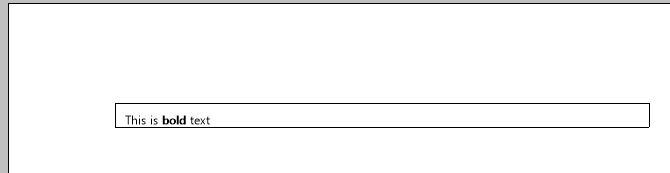
Notice that there is a margin at the top (above the text). When we now enter
p {
margin: 0;
padding: 0;
}
in the CSS tab, the results are:
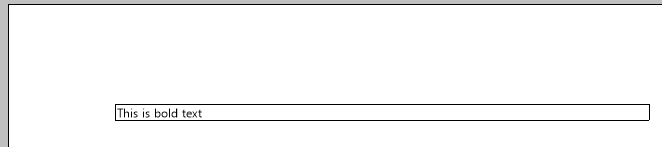
This means that while the margin is now 0, we also need to define bold as follows:
p {
margin: 0;
padding: 0;
}
strong {
  font-weight: bold;
}