Available Datasources
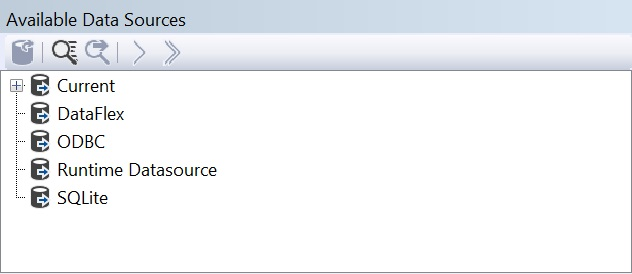
The treeview for the data sources consists of six elements:
| Category | Description |
|---|---|
| Current | Shows the currently selected data source. This can greatly reduce the time spent on searching your data source if there are many. |
| DataFlex | For selecting tables from DataFlex applications |
| ODBC | For selecting tables, views or stored procedures or an SQL statement from a database that is accessed via an ODBC connection, DataFlex Managed Connections |
| Runtime Datasource | For selecting in memory tables |
| SQLite | For selecting tables from an SQLite database |
| Category | Description |
|---|---|
| Current | Shows the currently selected data source. This can greatly reduce the time spent on searching your data source if there are many. |
| DataFlex | For selecting tables from DataFlex applications |
| ODBC | For selecting tables, views or stored procedures from a database that is accessed via an ODBC connection |
| SQLite | For selecting tables from an SQLite database |
Per report, only one data source can be used. If a data source is selected, the tables and optionally the database views will be presented in the first treeview.
If using SQL Server, multiple databases can be chosen from the same SQL Server instance. This allows developers to link data from multiple databases in a report.
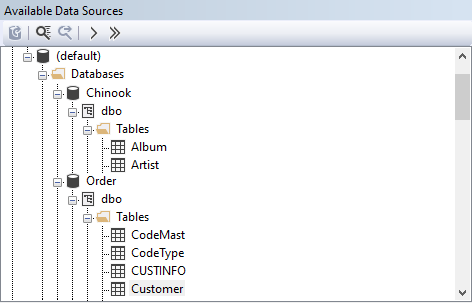
The toolbar on the top of this pane contains the following options:
| Icon | Key | Action |
|---|---|---|
 |
Open Database | |
 |
Ctrl+F | Search |
 |
F3 | Search again |
 |
Add single table to report | |
 |
Add all tables to the report |