7. Sum values
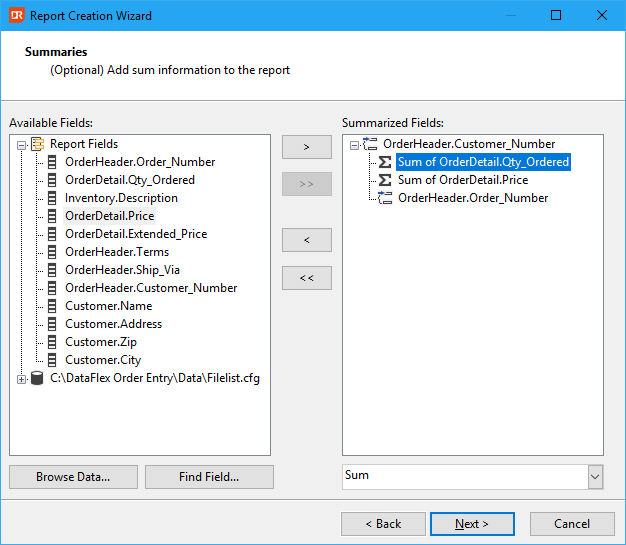
Having defined the grouping, a dialog to select fields to total on is displayed.
Similar to the previous steps, the appropriate fields can be selected and moved to the other panel to be designated totals.
By selecting the type of sum in the combo box, several ways of totaling can be opted for. The default choice is 'sum'.
Adding a grand total can be done via report design after finishing the wizard.
The screenshot above shows the selection of the fields 'OrderDetail.Qty_Ordered', 'OrderDetail.Price' to add a sum on those fields in the group per customer number.
Next step: Define data filters