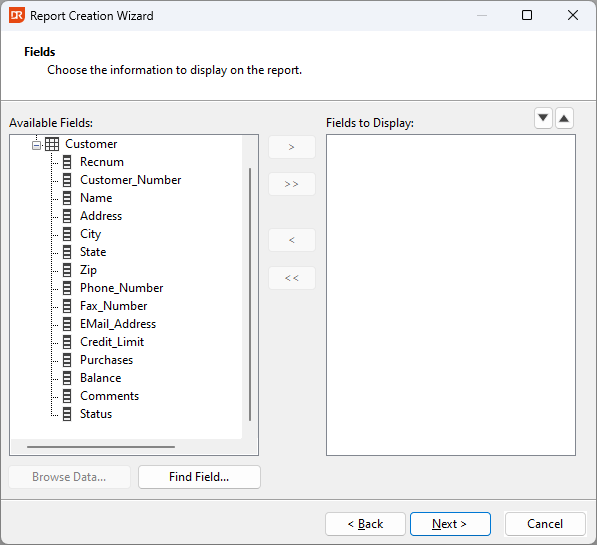
5. Select the fields
As with the previous selection dialog, the buttons in the middle section support adding or removing one field or all fields at once.
The fields will be arranged in sequence as sorted in the right panel. Change the order by selecting a field and clicking the buttons with the Up or Down arrow in the top right of the panel.
Click the 'Browse Data' button to see a sample of the actual data in the fields. Click the 'Find Field' button to search for a field by name.
The Next step: