3. Layout
In this step of the new report wizard, you can define the size of the page, the size of each label (height and width), and the optional gap between the labels. The size of the paper divided by the size of the labels determines how many labels can be printed on a page.
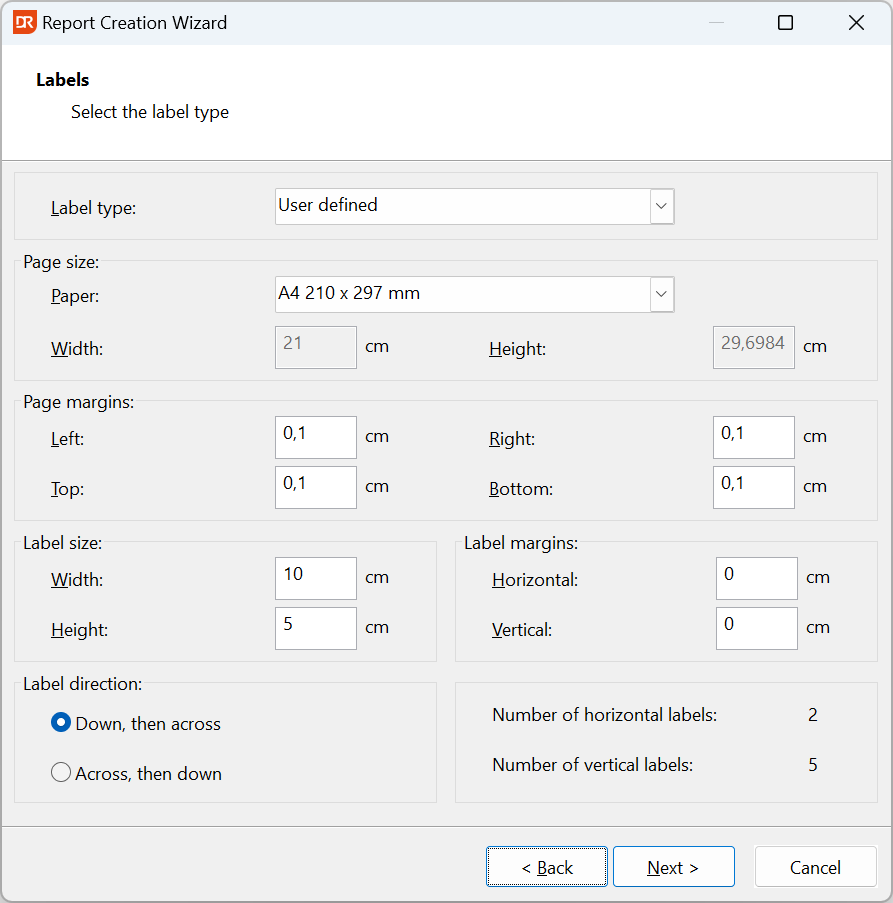
Finally, you can select whether labels, when there is horizontal space for more than one label, need to be printed downwards first and then back on top across the "line".
The next step in the process is selecting the tables from the data source to be used for the labels.