ExportReportDialog.wo
What is new - 7.0
For web mobile touch applications, you can use the ExportReport.wo component to allow users to export the executed report into a different output format (e.g., to PDF while report integration shows HTML). This feature was not yet available for Web Desktop style applications.
This new component is designed for use with desktop-style web applications and provides a modal dialog that can be opened to query the user for the export options to use when exporting the report result.
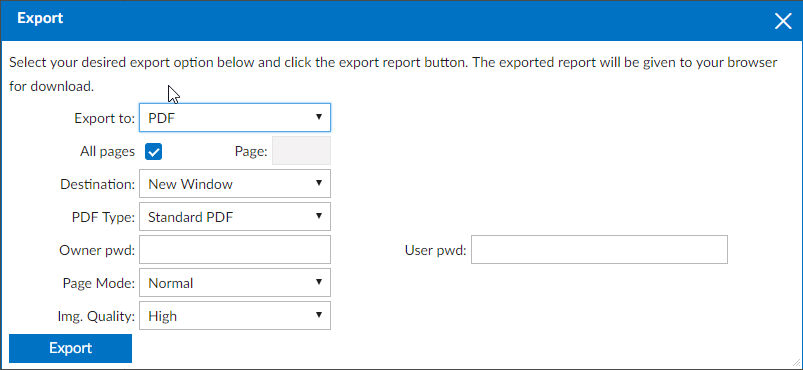
Study the following code as an example of how to use this dialog:
Object oExportButton is a cWebButton
    Set psCaption to "Export Report"
    Set piColumnSpan to 8

    Procedure OnClick
        Send Popup of oExportReportDialog Self
    End_Procedure

    Procedure OnCloseModalDialog Handle hoModalDialog
        tWebNavigateData ExportOptions

        Get ExportChoices of hoModalDialog to ExportOptions
        Send ExportReportToDownloadURL of oReport ExportOptions.NamedValues
    End_Procedure
End_Object
The code above defines a button that opens the dialog, and upon return, collects the choices and passes them to the ExportReportToDownloadURL method of a cDRReport object.