Managed Connections Support
What is new - 6.1
To use a DataFlex 2017 (v19.0 and higher) managed connection, create a new report using the ODBC data-source selection.
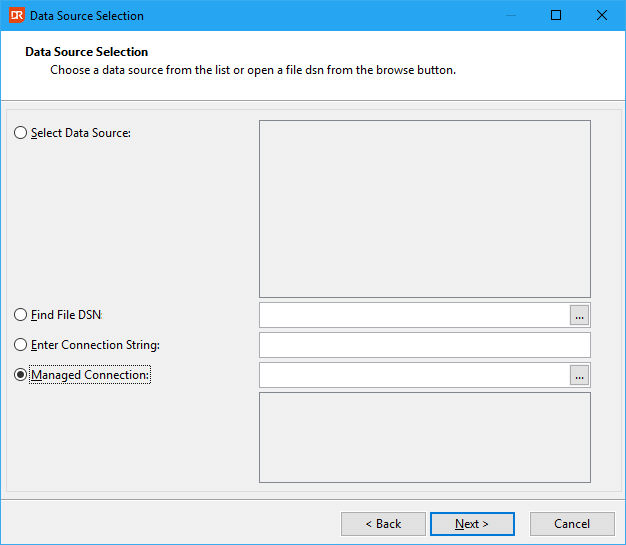
In the wizard page above, use the "Managed Connection" radio choice and select a DFCONNID.INI file using the browse button on the right side of the input control. After selecting the file, available connection IDs are shown in the treeview below the file selector.
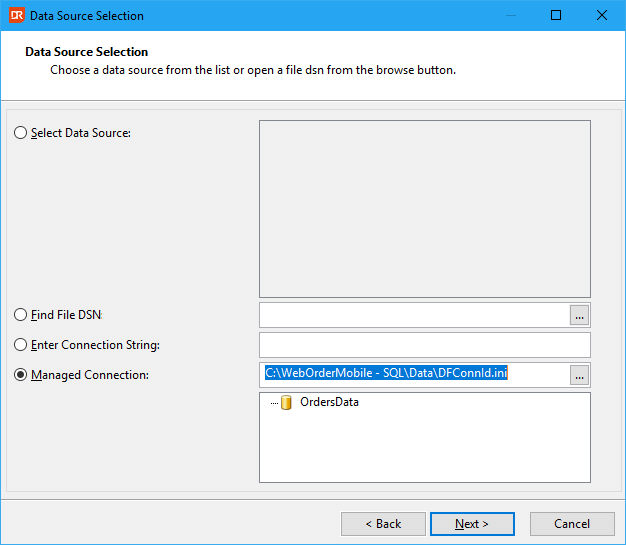
If the connection ID can be used to log in to the server and database, the process of selecting a table, a view, or a stored procedure can be used.