Export to Excel
What is new - 3.0
A much-asked-for feature is the capability to export to Excel. Version 3.0 allows exporting to either the 2003 compatible format (.XLS) or the 2007+ format (.XLSX).
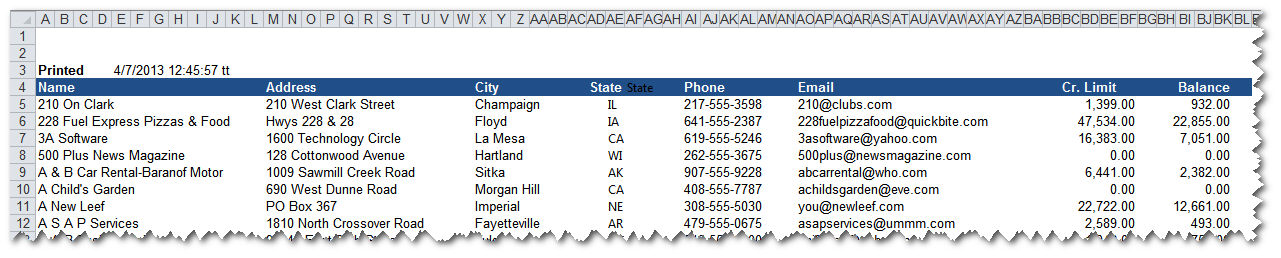
Another option is to choose for exporting 'Data only' or to export to Excel 'Formatted,' whereby the Excel sheet will mimic the graphic design of the report as closely as possible.
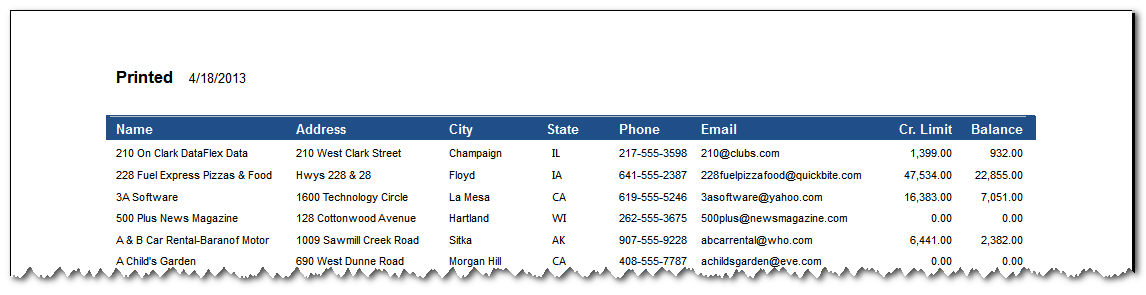
Here is an example - look at the simple Customer List below as it appears in the Previewer of Visual Report Writer:
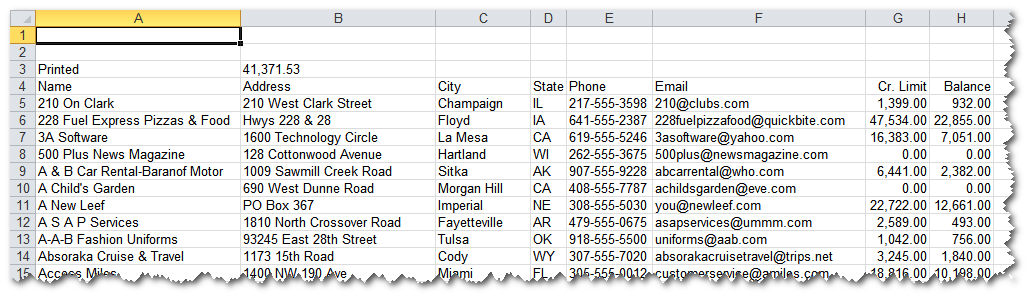
When exported to Excel as 'Data Only,' it looks like this:
When exported in a 'Formatted' way, it will preserve as much of the design elements as possible. It will look like this: