Report Menu - Performance Information
This option provides information about the performance and the structure of the report. The left-hand side of the dialog contains a tree with the items "Report Definition" and "Performance Timing".
Report Definition
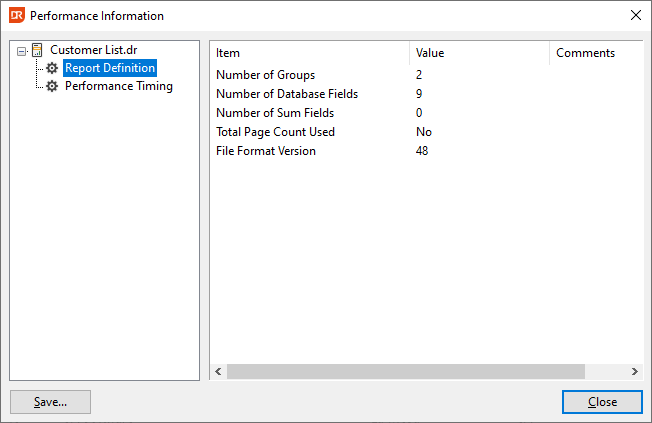
The right-hand side of the panel shows the number of groups, database fields, sum fields, whether page N of M is needed, and what the internal version of the report structure is. This internal version must match the version used by the OCX when the report is loaded via integration.
Performance Timing
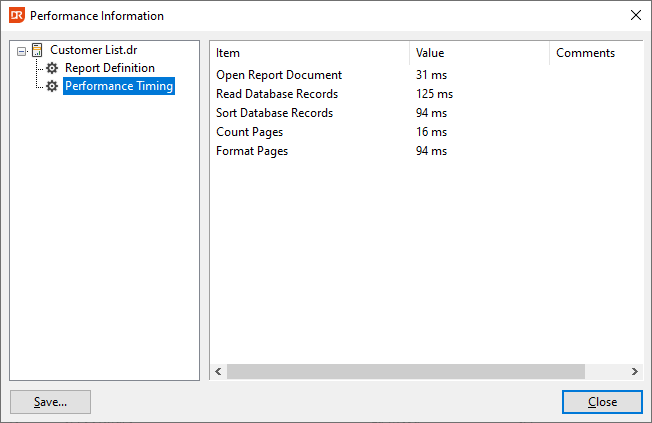
The right-hand side of the panel shows how long it took to open the report definition, read the database data, sort, count the number of pages, and format the pages for preview.