File Menu - Lock Report Design
This option can be used to lock the design.
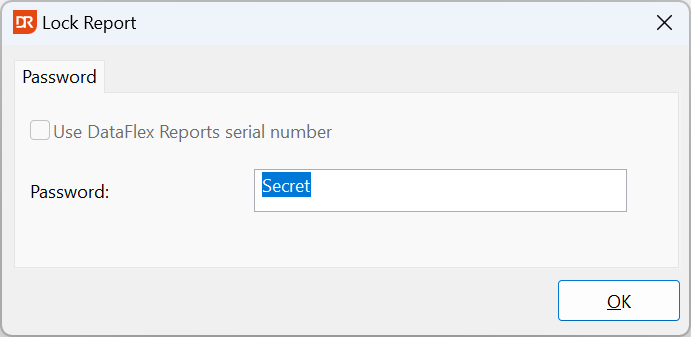
Locking the design means that the report cannot be opened when the user doesn't know the 'password'. The password can be either a self-chosen set of characters or the current serial number.
Attempting to open a report with a locked design may open the Unlock Report dialog. If the report is locked against the serial number and the current serial number is the same as used to lock the report, the Developer Edition simply opens the report. With the Standard Edition, the Unlock Report dialog opens, and the serial number must be entered.
The password must be entered every time the report is opened in DataFlex Reports Studio (Developer Edition).
To remove the lock, simply enter no password or deselect the 'Use DataFlex Reports serial number' checkbox when choosing "Lock Report Design".
Locked reports can be used via the integration library with your DataFlex application without the password.