Database Menu - Change DataSource Wizard
This wizard makes it possible to change the data-source of an existing report. The data-source of the report was selected when creating a new report and is either a DataFlex embedded database, an ODBC data-source, or an RDS data-source. When the report is built on, for example, a DataFlex embedded database and the deployed application now uses Microsoft SQL, a change of the data-source is needed. The Change Datasource wizard is not needed when the report was built on an Oracle database using the ODBC data-source and now the Microsoft SQL database needs to be used with ODBC as the data-source. Switching databases requires a Check database action as the structure of the tables and/or column types might have changed.
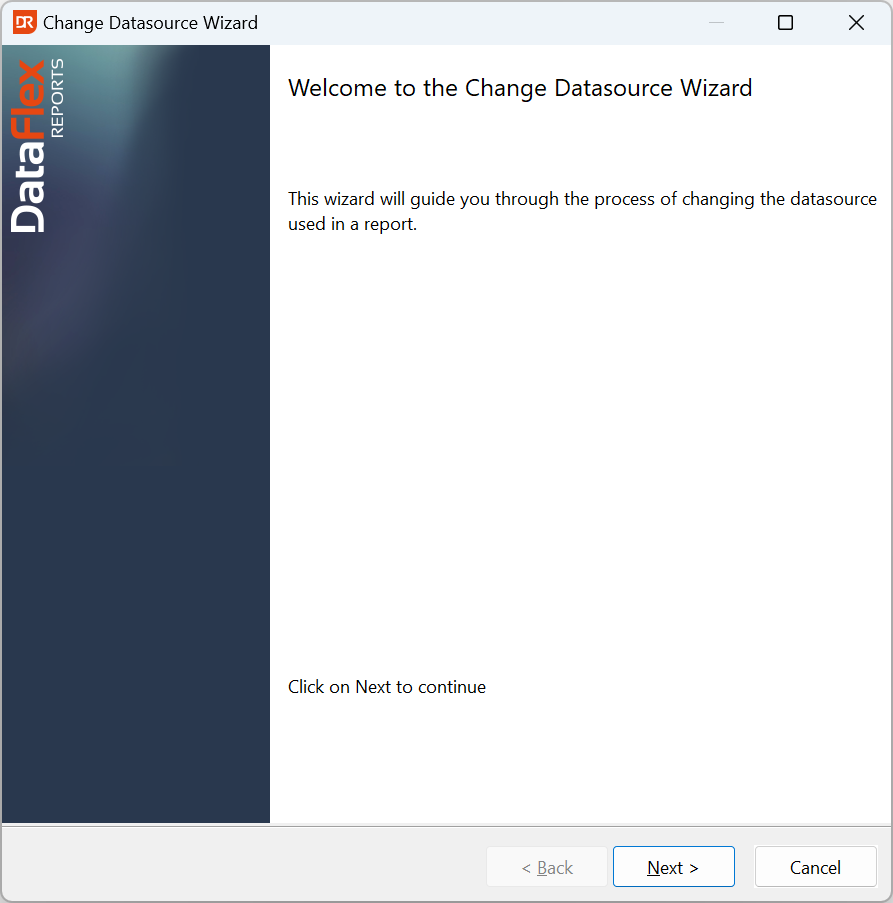
The process consists of the following steps: