Field Explorer - Database Fields
This part of the field explorer contains the fields/columns from the data source in use for the report. The tables from the data source opened in the report are listed, along with the columns.
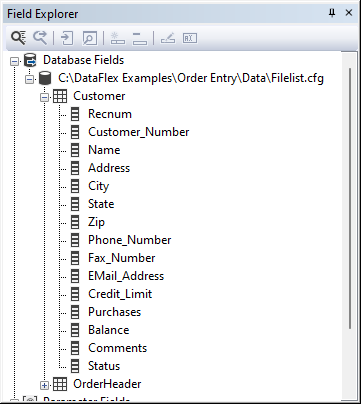
A field/column can be placed in the report via drag-and-drop, 'insert field into report' from the floating menu, or the 'insert field into report'  button in the field explorer's toolbar. In both situations, a placeholder is shown while moving the cursor over the designer window.