Available Sort Fields
The available sort field pane of the Record Sort Field Experts looks like:
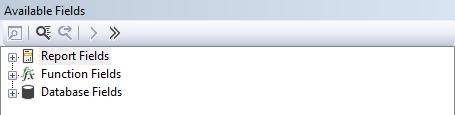
There are three categories of available fields: - Report Fields: The fields already used in the report layout - Function Fields: The list of user defined functions in the report - Database Fields: All tables and their columns available in the report
Expanded it looks like:
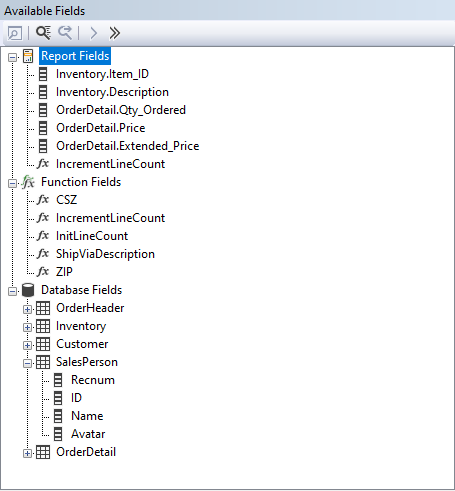
Sorting can be done on data from one or more columns from a database row but also on the result of a function.
The tool-bar buttons can be used to: - Browse field data: Opens the browse field data dialog - Find a field: Enter the name of a field or a part and find the first occurrence in the list of available fields - Find again / next: Uses the same value to find the next occurrence. There is no notification that the last occurrence has been found. - Add field to record sort: Available on any report field, function field or database column node and adds the field to the sort fields list - Add all fields to the record sort: Available on the Report Fields and any of the table nodes and adds all fields or columns listed to the sort fields list