9. Page Size
After having defined the filtering criteria, the wizard will continue to the options screen.
The combo allows selecting the page size for the report. Selecting a correct size here helps in the further design of the report. The new report wizard divides the selected fields over the width of the paper; selecting the desired page size will give a different reduction in width if more fields are selected than can be presented on one row.
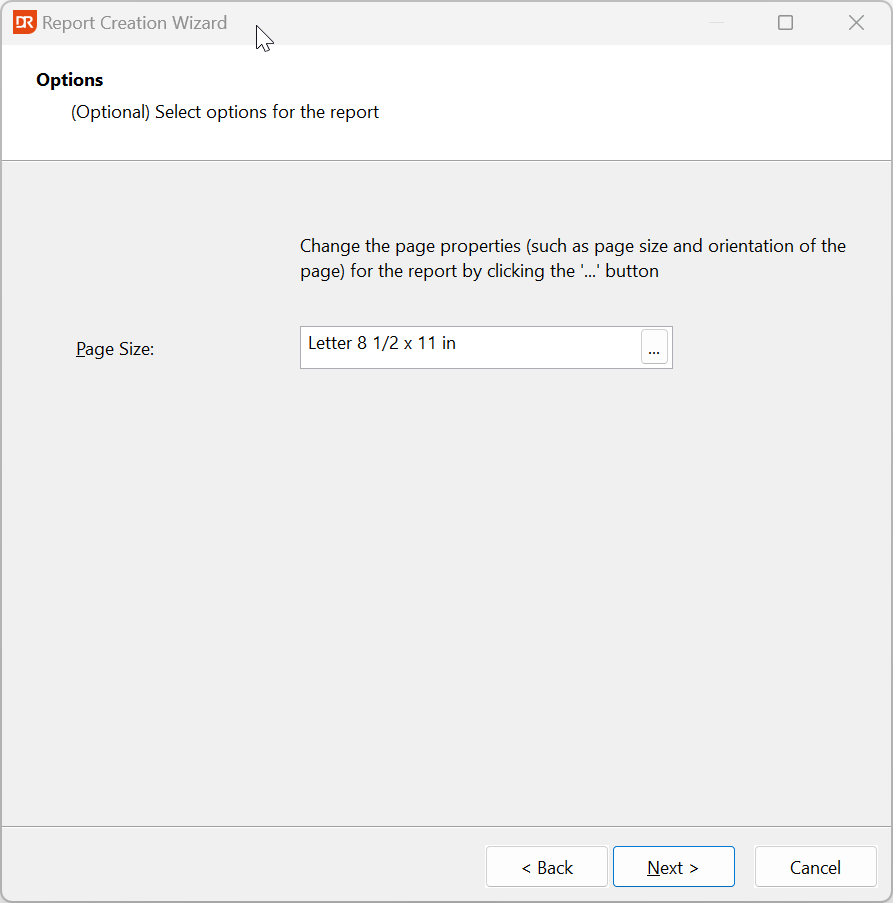
Click the 'Next' button to go to the Finish page. Here you can close the wizard by clicking on the 'Finish' button.
The New Report Wizard is ready, and the report is loaded in the designer. Changes in the layout of the report are possible.