Names
In this wizard page, you can enter the component object name, the file name, and a description.
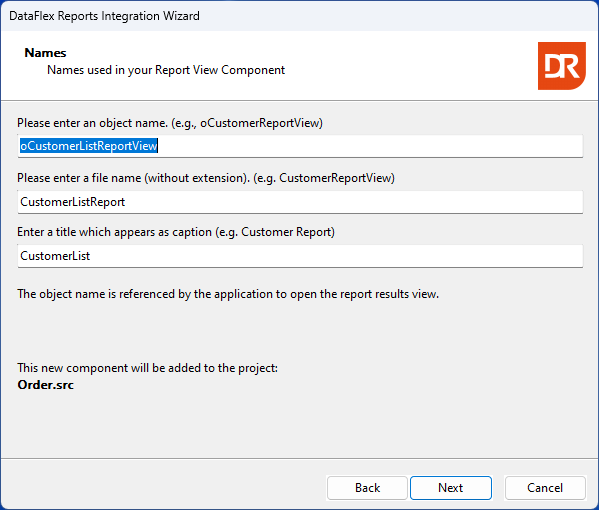
The description serves as the basis for menu item creation. If the object name does not commence with an 'o,' the wizard recommends altering the name. The wizard generates names derived from the chosen report's name. In the displayed image, the report filename was "CustomerList.dr," resulting in the object name being set as "CustomerList." It's crucial for the object name to be unique within the current project. Although the wizard cannot independently verify name uniqueness, it proceeds to generate a ReportView-based object intended for addressing the module.
The next step is Language and ODBC data-source