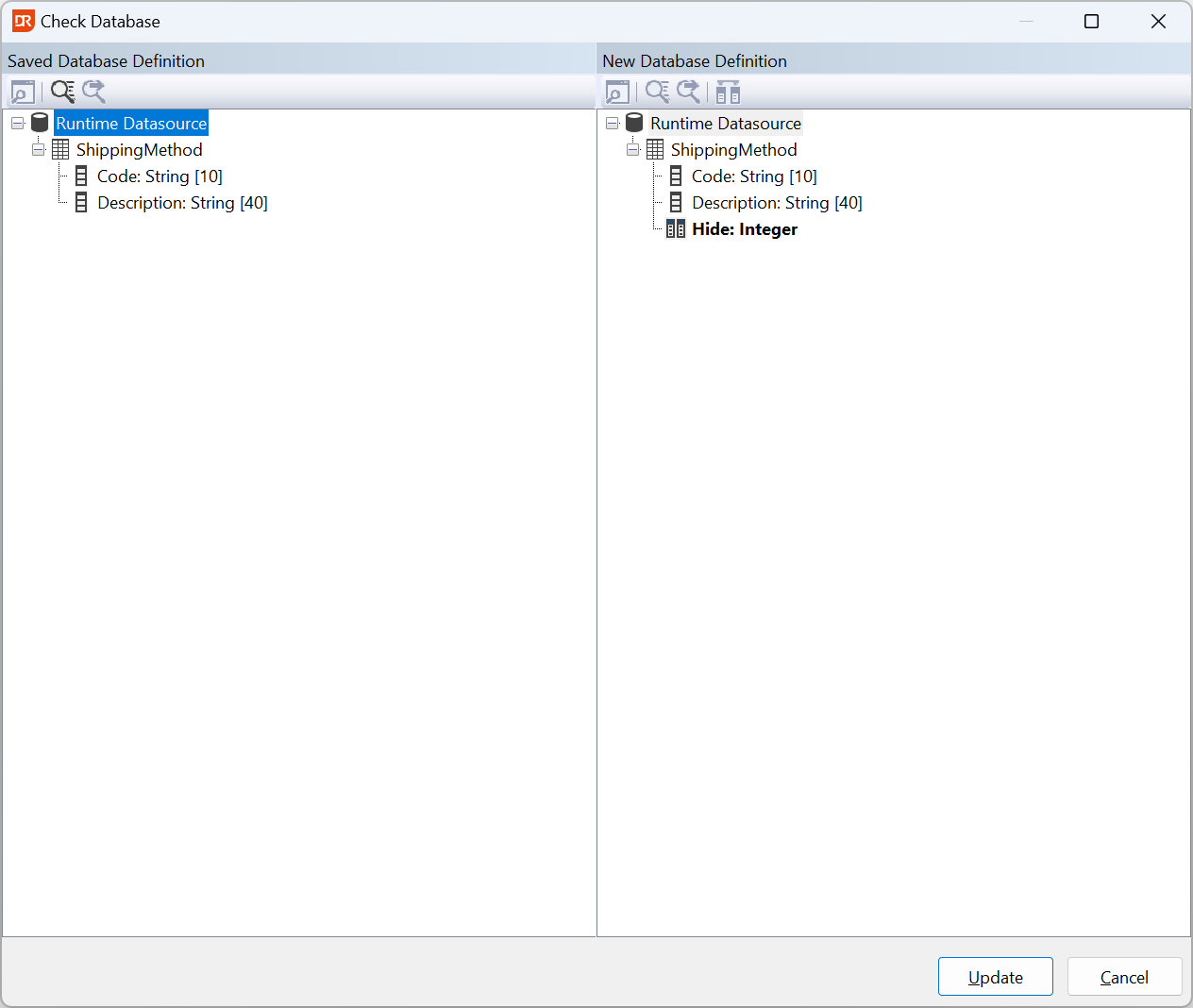
Changing the Layout of an Existing RDS table
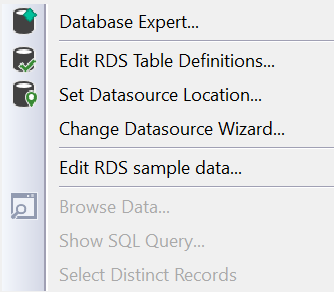
` To change the definition of existing RDS tables, choose Edit RDS Table Definitions from the Database menu.
 `
`
For each RDS table used in the report, a popup appears in which the table definition can be changed.
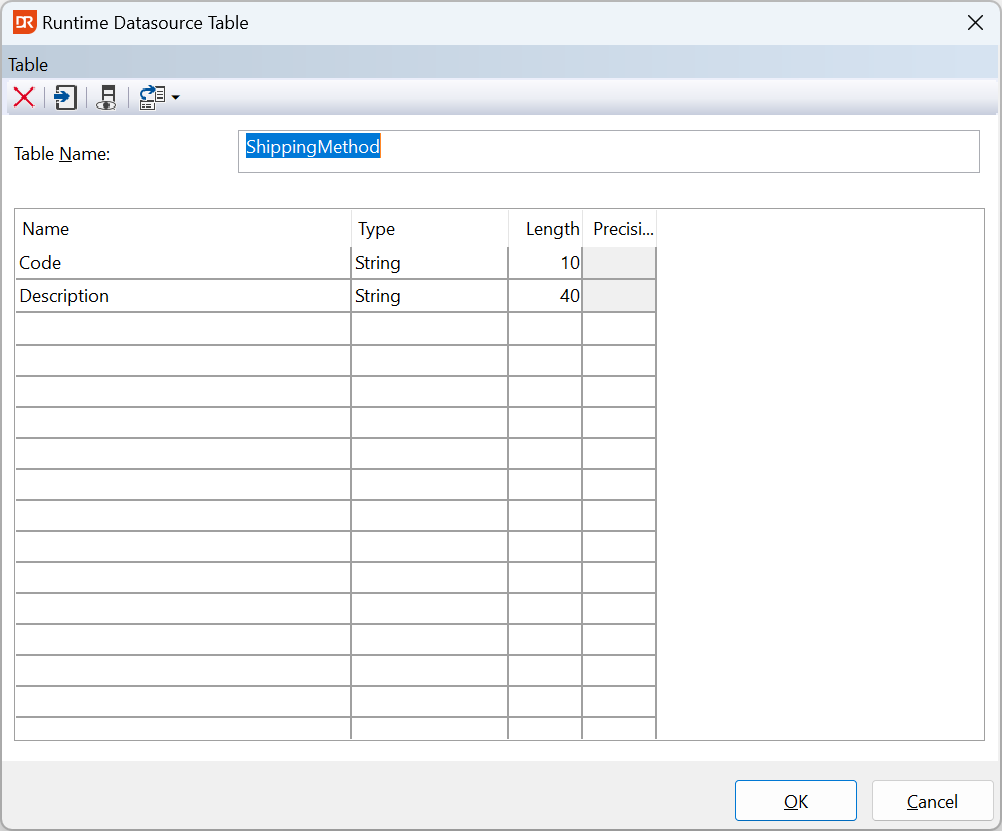
If the table definition is changed (in the screenshot above, the column 'Hide' was added), the DataFlex Reports Studio presents a dialog with the old and new table structure. Columns can be mapped, or the change can be 'simply' accepted.