Data Selection
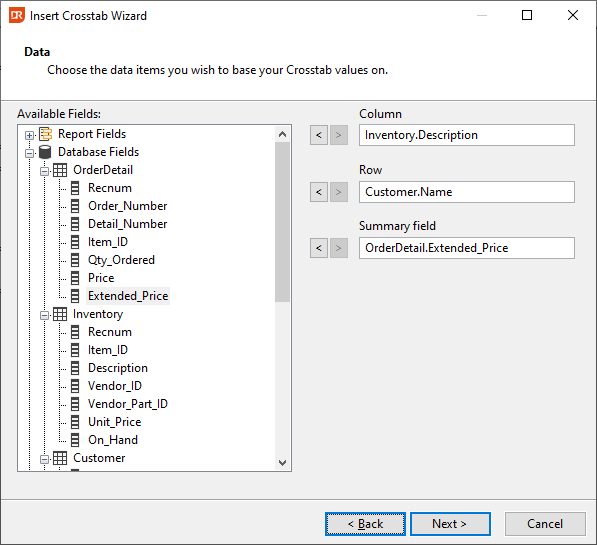
Select columns from a table or a function to be used for the rows, the columns, and the totalling value. Add the desired field (table column or function) to one of the three boxes by clicking the add button. Once the choice is made, the add button becomes disabled, and changing the field needs to be done by first clicking the remove button, selecting a different field, and clicking the add button again.
The screenshot shows the selection of the inventory description, customer name, and extended price columns. A crosstab based on this information would be as follows:

The next step in creating the crosstab is specifying the options for totals.