Change Datasource to ODBC
After selecting "ODBC" on the "New Datasource" page, the wizard allows you to select an ODBC Datasource.
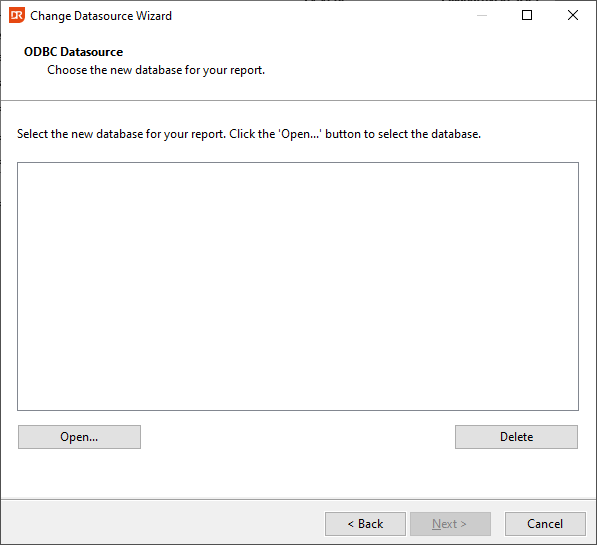
Click the OPEN button to select an existing ODBC Datasource. After selecting an ODBC Datasource, the databases and tables from the Datasource are displayed in the box in the middle of the page. The DELETE button erases this list in case you did not select the right Datasource.