Error 4257 (Can't open filelist)
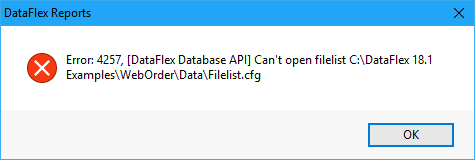
When an error 4257 is generated while refreshing report data and the data source is a DataFlex Embedded database, you need to change the data source location. Either the filelist is not where the report indicates it should be, or the user does not have access rights to the folder. The filelist.cfg (or an alternative file with the same format) can be set to read-only, as the engine does not require write access.
Solution
- Choose "Set Datasource location" from the Database pull-down if the location is incorrect, and select a different filelist location.