Default Web Site
Checking the Default Web Site Functionality
After installing the Internet Information Services, open a browser and enter http://localhost/ in the address bar. If the installation of IIS was successful, you should see the IIS welcome page.
Note: Depending on your browser, you might get a prompt asking if you would like to enable Intranet settings. For development convenience, it is recommended to enable Intranet settings.
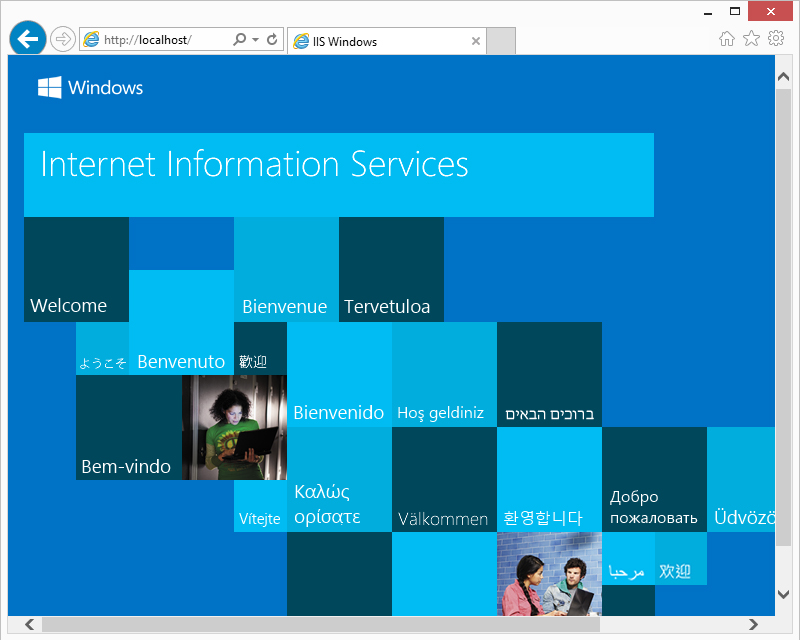
If the welcome page isn't working, there are a few options you could try:
- Check if all IIS services are running.
- Check if a program is using Port 80.
- You did a reboot first, right?
Copyright © 2017 by Data Access Europe. All Rights Reserved.