df-cli Command Line Interface
df-cli is the modern build system and command-line front end for DataFlex. It works with JSON-based workspaces, installed DataFlex toolchains, package repositories, Git-based dependencies, and package publishing workflows.
If you are new to df-cli, the simplest way to think about it is this:
- use
config,build,build-file,run, andtoolchainfor workspace and build-system workflows - use
package ...,cache,login, andlogoutfor Package Manager workflows - use
sbomwhen you need supply-chain metadata for a workspace
Built Around the Package Manager
The original flagship feature of df-cli is the DataFlex Package Manager.
It is much more than a package installer. It is the dependency-management layer for modern DataFlex workspaces, handling:
- repository packages from package servers
- Git-based dependencies from HTTPS and SSH remotes
- local workspace dependencies during active development
- dependency updates and upgrades across a full dependency tree
- package packing and publishing
- HTML include management for web packages
- shared package caching
- workspace-level dependency overrides for local development and controlled rollouts
In Studio, this appears as the Package Manager panel. In scripting and advanced workflows, this same capability is exposed through df-cli.
Basic Syntax
df-cli [options] <command> [arguments]
For the full command-by-command syntax, arguments, and options, see Command Line Reference.
Package Manager Panel
In the Studio, the Package Manager panel is organized around three main tabs:
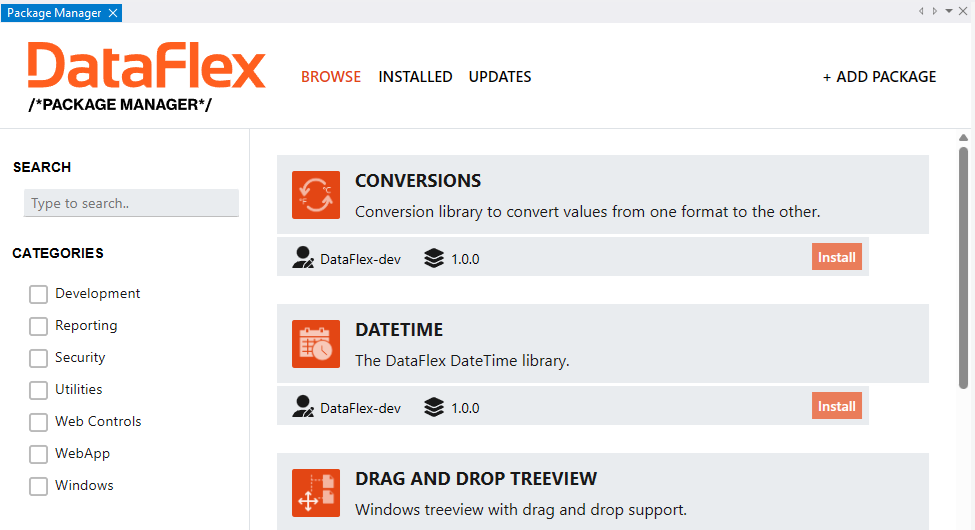
Browse
The Browse tab allows browsing for available packages. By default, the available packages listed in Package Manager are packages on packages.dataflex.dev.
Installed
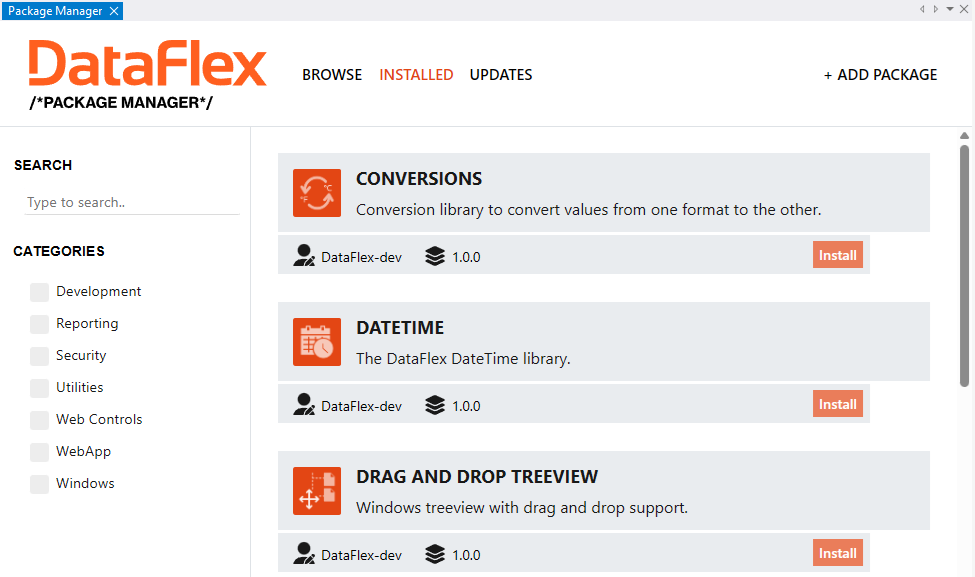
The Installed tab shows packages installed in the local workspace.
Updates
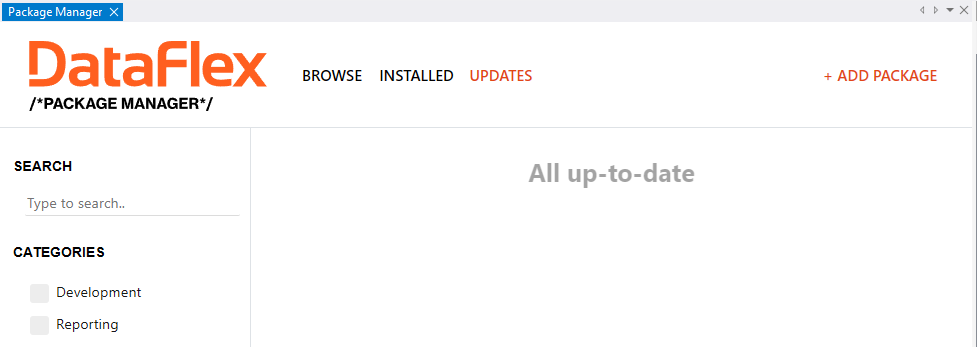
The Updates tab shows installed packages that have pending updates.
Core Areas
Build System
df-cli is the modern build system for DataFlex workspaces. It understands JSON-based .sws files, installed toolchains, workspace metadata, and dependency-aware build flows.
The main build-oriented commands are:
configto inspect or repair a workspacebuildto compile a workspace or target projectbuild-fileto compile a single source filerunto build and launch a runnable projecttoolchainto inspect installed DataFlex toolchains
Package Manager
The Package Manager supports three dependency sources:
- repository packages using
Publisher/Name - Git repositories using HTTPS or SSH URLs
- local workspaces using
.swsfile paths
For most teams, repository packages are the best starting point because they are easy to browse in the Studio. Git dependencies are useful when you manage packages in source control, and local workspaces are ideal when developing multiple libraries side by side.
For Git dependencies, version constraints are matched against tags when possible. Workspaces can also define root-level overrides in the .sws file to pin, redirect, or otherwise adjust dependency behavior without changing the dependency declaration itself.
Common patterns for overrides include:
- redirecting a published package to a local development checkout
- pinning a dependency while investigating a regression
- suppressing install-file or HTML-include behavior for a specific dependency
The main package-oriented commands are:
package searchandpackage detailsfor discoverypackage install,package update,package upgrade, andpackage uninstallfor dependency lifecycle managementpackage packandpackage pushfor package publishingcachefor managing the shared package cache
Software Bill of Materials
sbom generates a Software Bill of Materials for a workspace. See Software Bill of Materials for the data model, metadata fields, and output details.
Authentication
login and logout manage repository authentication for package publishing and other authenticated package workflows.