SetProgressBarRange Method
Description
Sets the minimum and maximum values for the progress bar.
Syntax
Public Sub SetProgressBarRange( _
    ByVal Min As Long, _
    ByVal Max As Long _
)
Parameters
- Min: Minimum range value. By default, the minimum value is zero.
- Max: Maximum range value. By default, the maximum value is 100.
Remarks
SetProgressBarRange should only be called after the dialog has been Constructed.
Notes
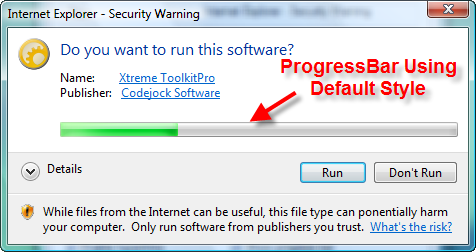
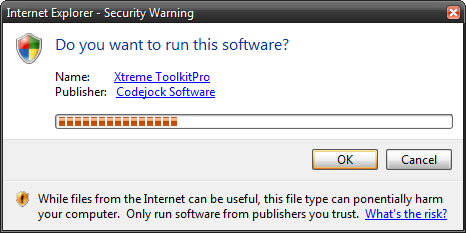
You can use EnableCallbackTimer to start a timer which will trigger the Timer event, which will be called approximately every 200 milliseconds. This can be useful when doing something like updating the status of a progress bar.
See Also
- TaskDialog Control
- ProgressBarStyle Property
- ProgressBarPos Property
- StartProgressBarMarquee Method
- TaskDialogProgressBarStyle Enumeration
- Timer Event
- EnableCallbackTimer Property
Copyright (c) 1998-2024 Codejock Technologies. All rights reserved.