Easier to Use Database Builder
Default Database Awareness
Now that workspaces store information about their default database connections, Database Builder is easier to use. The interface is more intuitive as the menus and dialogs are automatically adjusted. For instance, when we created a new workspace for our NorthWind project, Database Builder is now tuned for MSSQL, from the menus:
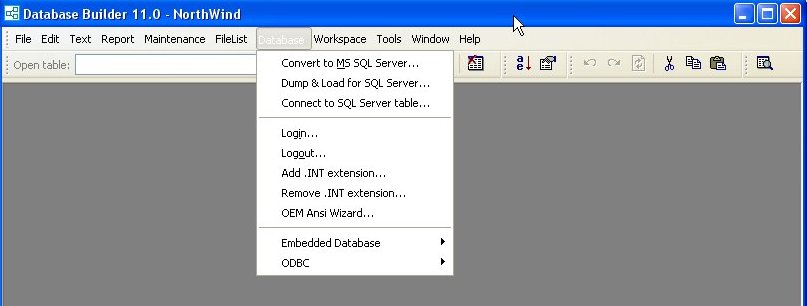
To the defaults for creating new tables:
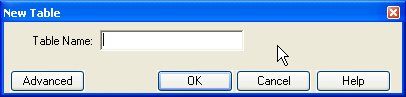
These look deceptively simple (nothing but the table name required) because it already knows all of the advanced information.
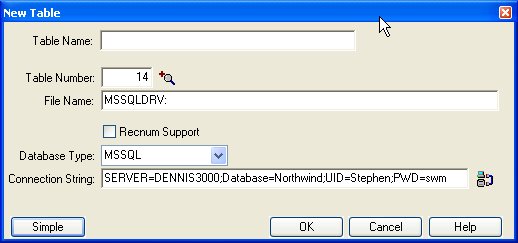
Redesigned Dialogs
Database Builder also has significantly redesigned dialogs, which contribute to increased efficiency and understanding. Examining the NorthWind Order Details table definition we imported shows many of these optimizations.
New Driver Administrator
The Driver Administrator (on the Tools menu) greatly simplifies the loading, unloading, and tuning of driver options. Just like the new registration program, the options you see are based on the drivers available in your environment.
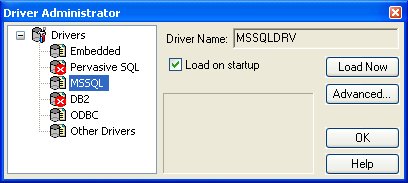
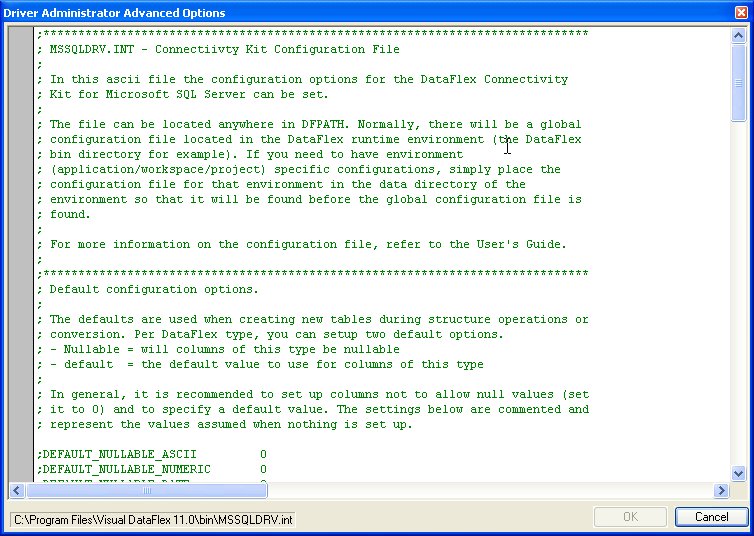
You can easily see which drivers are currently loaded, determine which will be automatically loaded, and use the Advanced... option to directly edit the driver configuration file.
See Also
- Connectivity Wizards