New Workspace Wizard
The workspace wizard now includes all the functionality to access drivers, servers, databases, and DSNs in order to properly create the workspace's default database. When creating a new workspace, the following new steps are added:
Steps to Create a New Workspace
-
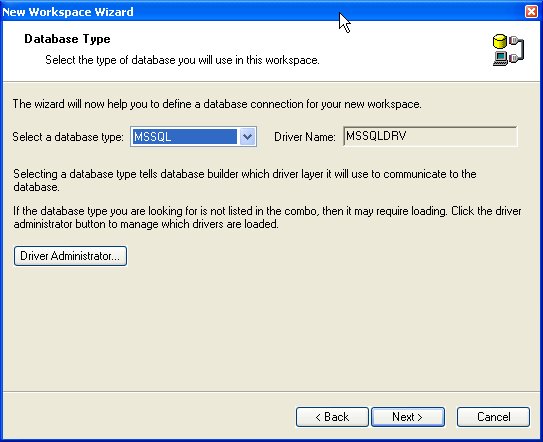
Determine the default driver for the workspace
-
Select the server and database (including your logon information)
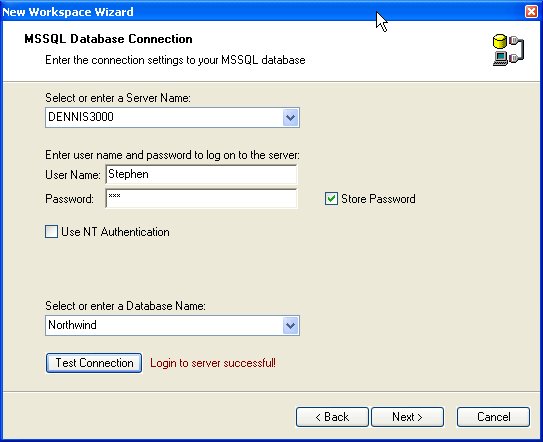
The new workspace now understands that its default mode is to "talk to" Microsoft SQL Server tables in the NorthWind database on the DENNIS3000 server instance.
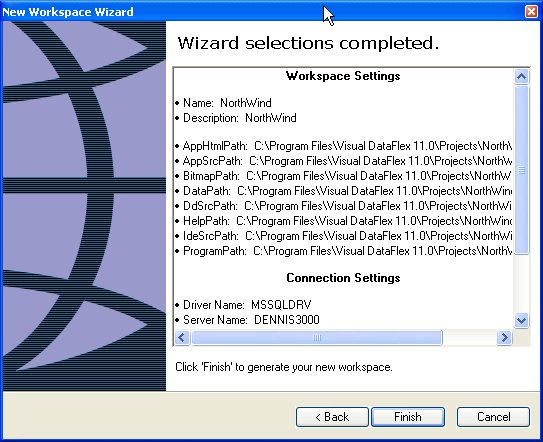
Of course, you can still manipulate any other table type in the same workspace.