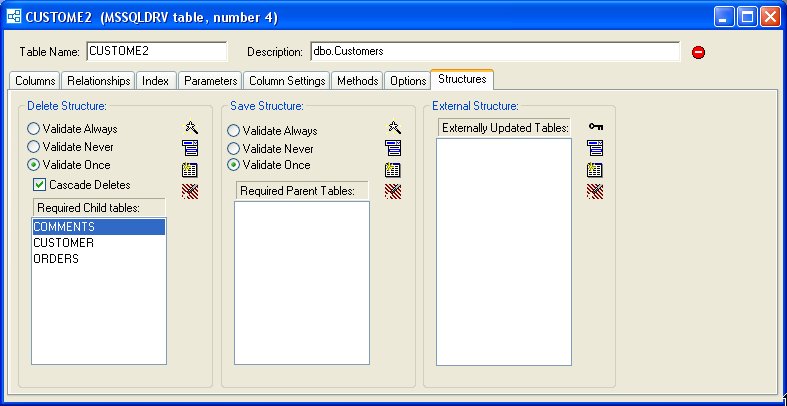
Relationship Wizard
The Relationship Wizard (use the leftmost button on the Relationships tab page) automates the process of establishing new table relationships. For instance, we have created a new table (Comments) and want to relate it to the existing NorthWind Customer table.
Steps to Use the Relationship Wizard
- Select the parent table.
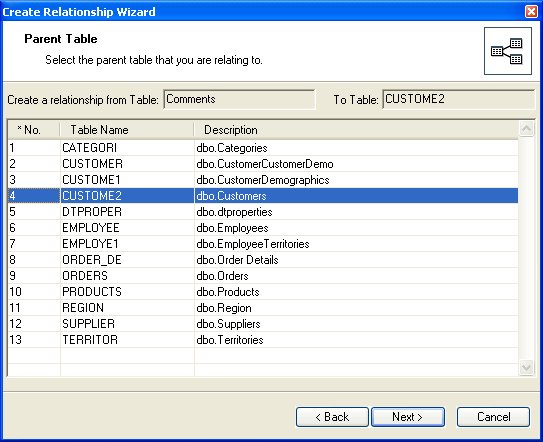
-
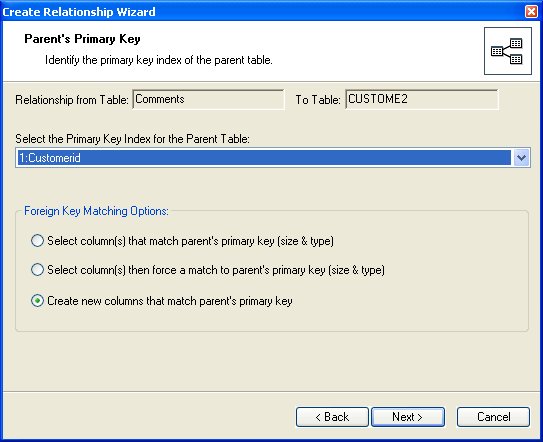
Select the primary key in the parent table and the type of operation you desire:
-
Establish the relationship to existing columns in the Comments table using ONLY matching columns.
- Establish the relationship to existing columns in the Comments table and force the columns to match type and length (this will adjust column definitions).
- Establish the relationship by automatically creating new column(s) in the Comments table.
- The Wizard tells you what actions it will take.
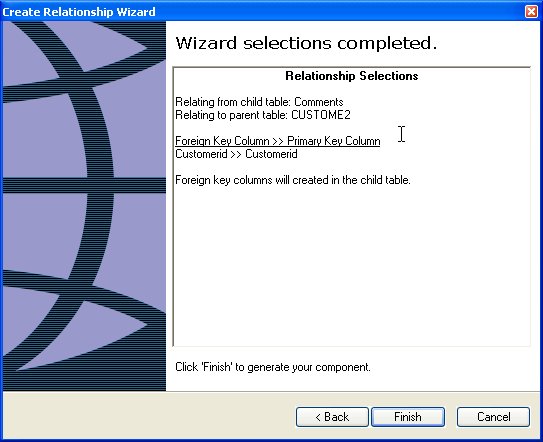
- The relationship is created.
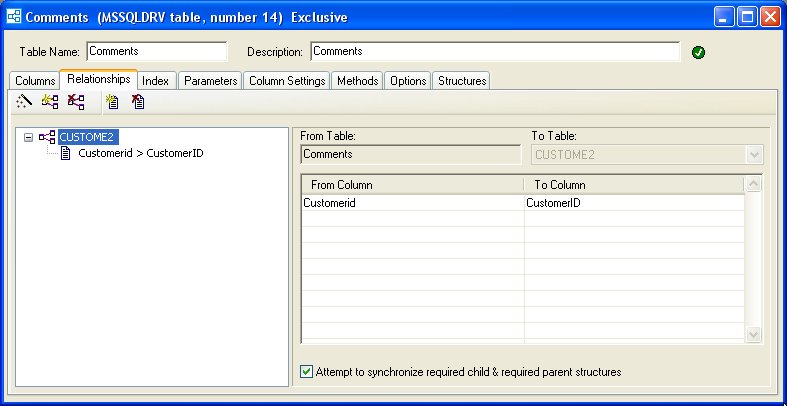
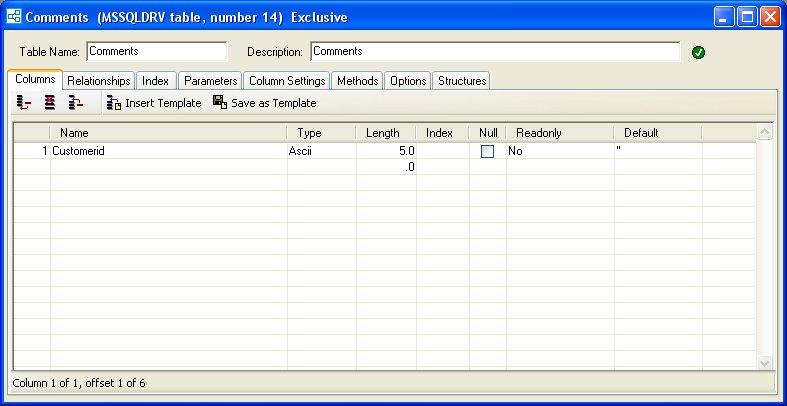
- The new column in the Comments table is created (using the names of the columns in the parent table). Note, if the primary key in the parent table was multi-column, all the necessary columns would be created and a multi-column relationship would also be created.
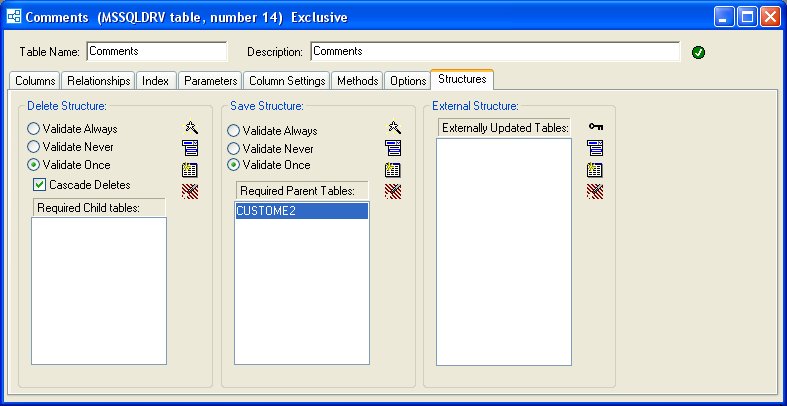
- The data dictionary structure for the Comments table has the required parents set.
- Even the data dictionary in the Customer table is automatically updated to reflect the new required child table.