ConfigFile Property
Description
Gets or sets the path to the main configuration file.
Property Type
Read-write property
Syntax (Visual Basic)
Public Property ConfigFile() As String
Remarks
The syntax editor control is capable of enhancing text coloring for a number of specific input file types, i.e., C/C++ source files, HTML files, etc. Users can create and customize their own text file schemes; these are independent of source files. The control contains the main configuration file, which can contain references to any specific configuration files. By default, this file is placed in the same folder as the application executable and is called SyntaxEditor.ini.
The main configuration file contains two blocks with references to input file lexicographic schemes in a specific format (see below) and color themes for the editor, which could be applied to the control when editing any file type. The format of the main configuration file is as follows:
[Schemes]
CPP=Schemas/_cpp.schclass ; Visual C++
HTML=Schemas/_HTML_ASP.schclass ; HTML and ASP
schclass=Schemas/_schclass.schclass ; Codejock Schema
NSI=Schemas/_nsi.schclass ; Nullsoft Installer
Pascal=Schemas/_pascal.schclass ; Pascal
INI=Schemas/_ini.schclass ; INI Files
SQL=Schemas/_sql.schclass ; SQL Query

[Themes]
Default=Themes/colorSchema0.ini
Alternative=Themes/colorSchema1.ini
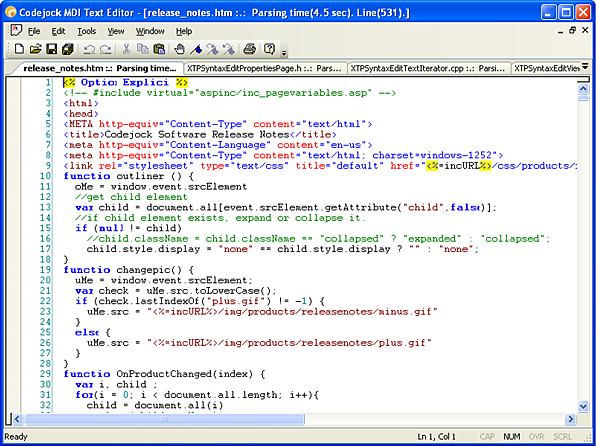
The INI file-based syntax colorization allows you to specify specific colorization rules for your text documents. For example, you can specify a different set of colors to be used for .cpp, .h, .html, .asp, etc. files. Color rules can be applied to specific words or groups of words and phrases.
Note: The configuration will be reloaded when this property changes.
See Also
Copyright (c) 1998-2024 Codejock Technologies. All rights reserved.