BackgroundColor Property
Description
Gets/sets the background color of the diagram.
Property Type
Read-write property
Syntax (Visual Basic)
Public Property BackgroundColor() As ULong
Return Type
Gets/sets the background color of the diagram.
Remarks
If the diagram is using a gradient fill style, the fill will consist of two colors; this is the color for the first color. If no gradient is used, then BackgroundColor is the only color used to color the background.
Note: Interlacing for the axis is on by default and it will color alternating columns. Therefore, you must also change its color or hide it if you want the entire diagram to use the same background color.
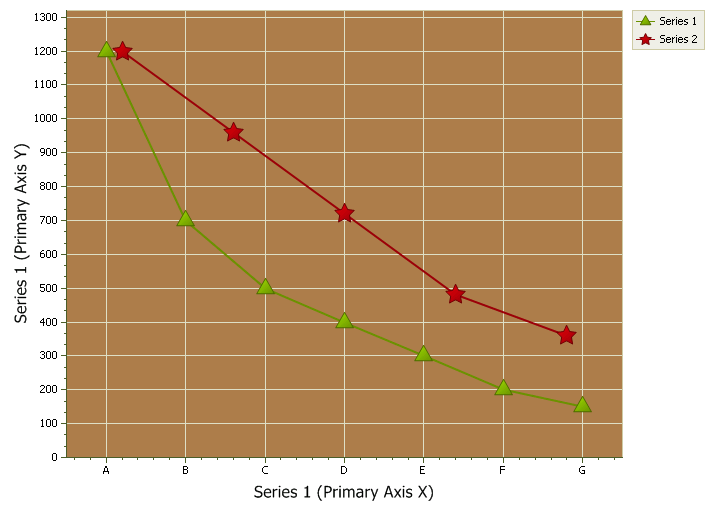
The diagram below shows a custom background color, solid fill style, and interlacing turned off:
Example
Dim Diagram As ChartDiagram2D
Set Diagram = ChartControl.Content.Diagrams(0)

Diagram.BackgroundColor = RGB(170, 125, 75)
Diagram.BackgroundFillStyle.FillMode = xtpChartFillSolid
Diagram.AxisX.Interlaced = False
See Also
Copyright (c) 1998-2024 Codejock Technologies. All rights reserved.